Reviewing Gamelab's R36S 3rd-Party Console
Internet scam or gift-worthy Handheld Retro Console? The pros and cons of the R36S.

My family is, at the risk of surprising absolutely no one, obsessed with video games. My partner and I grew up with them, as did our roommate and best friend, and our kiddo has also grown to love the games he's been raised on (namely Minecraft, if we're being real). Of course, we'd love to show our son the games we grew up with, too, but the sad reality is that many of our favorites have become either ridiculously expensive to obtain physically or have been straight-up abandoned, receiving no support from the companies that released them.
That's where third-party emulation devices come in. I saw an ad over the Black Friday weekend (because who didn't?) that showed off a device claiming it could play over 15,000 games from retro consoles, including, and I cannot believe I'm typing this following the word "retro," the original Nintendo DS. The deal was good, and I saw some pretty solid reviews, so against my better judgment, I trusted my card information with this company I'd never heard of and ordered consoles for my family as a Christmas present.
So, how did that turn out?
The Gamelab, or the R36S Handheld Retro Console
I ordered from Gamelab, a company that appears to be based in the US. The console that I bought was simply labeled as "The Gamelab." Further research has shown me that it's actually a fairly common third-party console labeled the R36S, and Gamelab seems to be a white-label reseller (meaning, they don't manufacture the consoles themselves, and instead buy them in bulk, brand them with their name, and resell them).
This is...fine, if a little annoying. I'd prefer to be told outright if a company is reselling - their pricing was really good, so I probably would have gone ahead and ordered from them anyway. It felt a bit dishonest, but to skip ahead to the good part, the consoles are legitimate, and I do have them in my hands now.
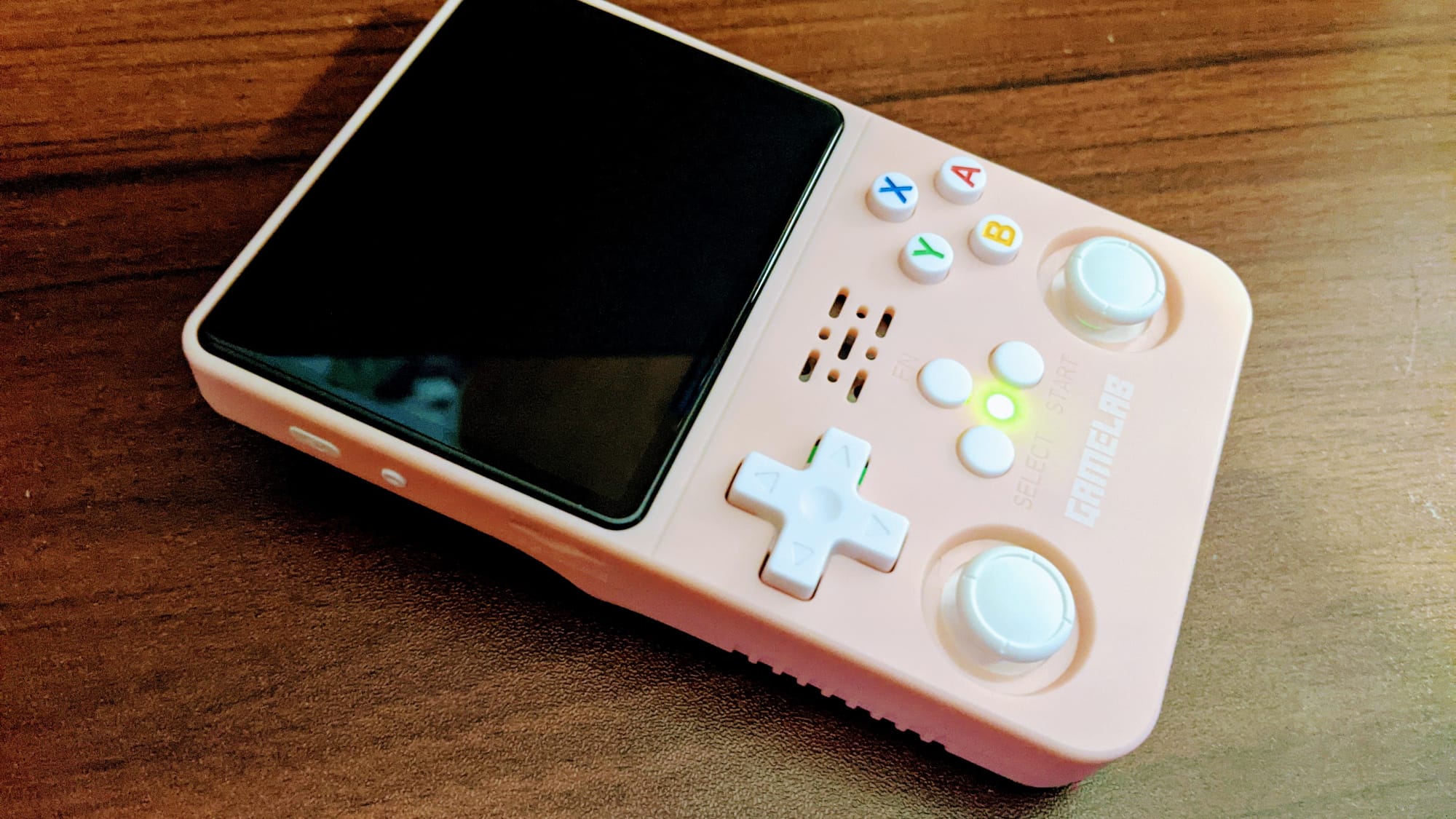
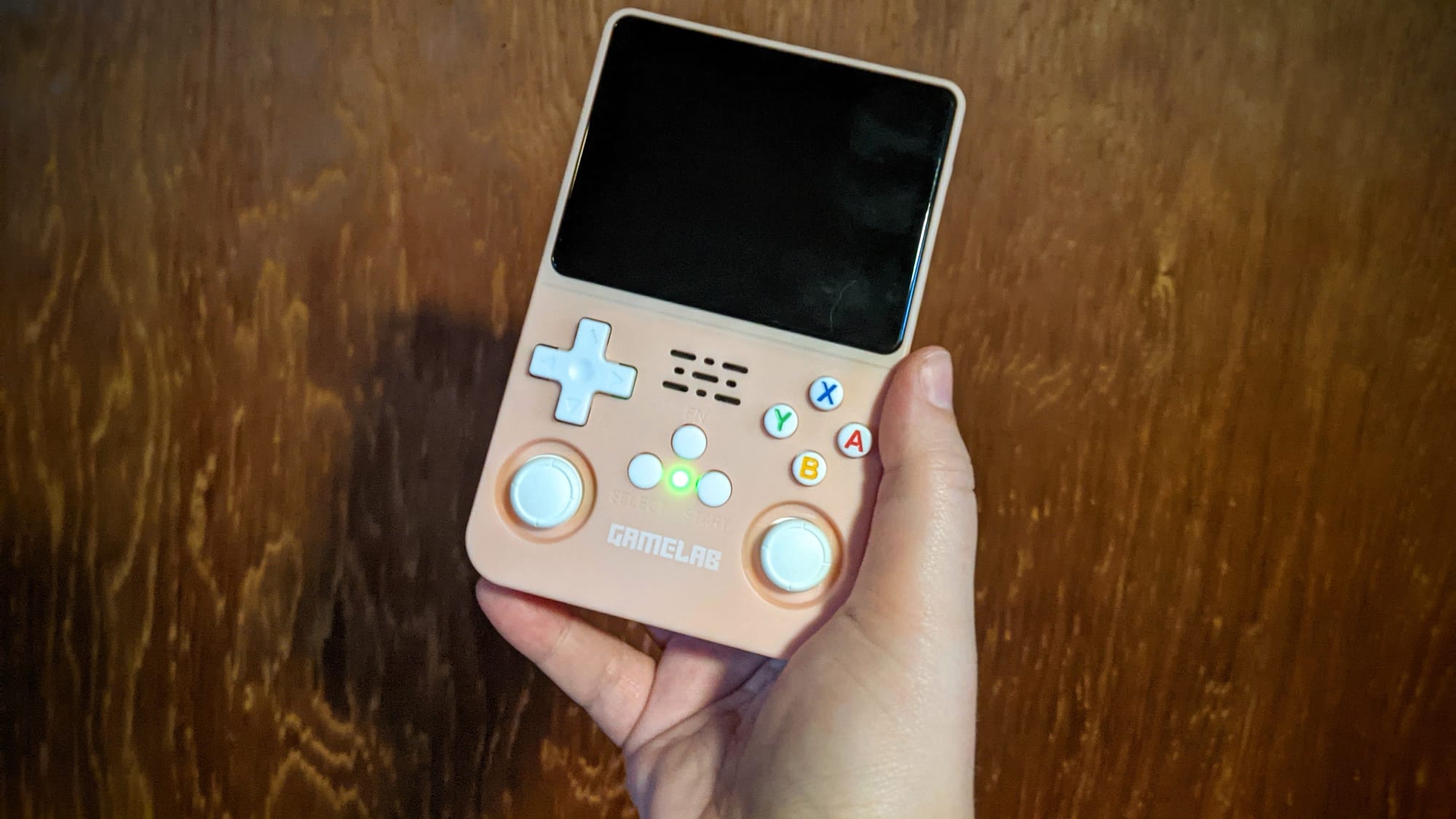
It's a small thing - smaller than the original Nintendo Gameboy, maybe comparable in dimensions to the Nintendo DS Lite. Mine is the pretty pink and white variant, with some fun retro coloring on the letter buttons. It's got two small thumbsticks, a D-pad, letter buttons, and four triggers, though the triggers are arranged a little oddly - in a straight line rather than on top of each other like I'm used to on controllers. It comes equipped with a USB-C charging port and USB-C multiplayer dongle port (more on that later) as well as an audio jack. While I wouldn't say that it feels flimsy, I am definitely hesitant to carry it around outside the house without a case - I'm concerned that one good drop might be curtains for this little pocket device.
The Pros - Lightweight, Portable, Pretty, and Functional
This console has been fun, right out of the box. To start, the R36S is extremely lightweight and portable; it fits in my pocket, which is rare with modern consoles and a luxury I've missed from my time with the DS Lite back in the day. The built-in audio jack is excellent for quiet, convenient play on the go, and the USB-C charging means I don't need to carry around a separate charging cable; my phone cable is perfectly suitable. Having now carried it with me outside of the house a couple of times, it's not as fragile as I'd feared, which is nice!
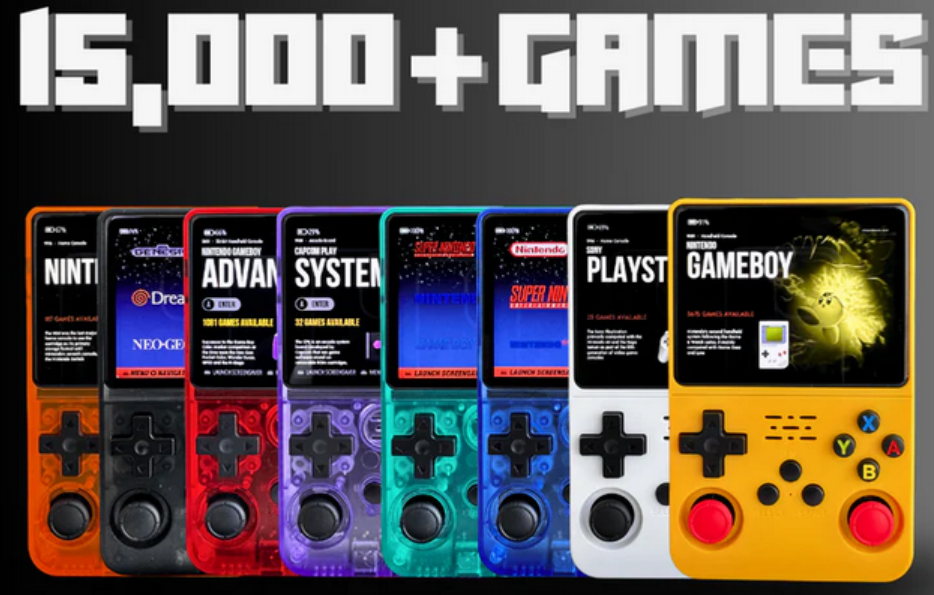
They come in a range of beautiful colors to fit every style, with lots of gorgeous retro translucent options - I got the red, blue, green, and opaque pink options, and they all look so good. The buttons are a little imprecise when it comes to input, but are solid and comfortable to use, and they match so cutely with the color themes.
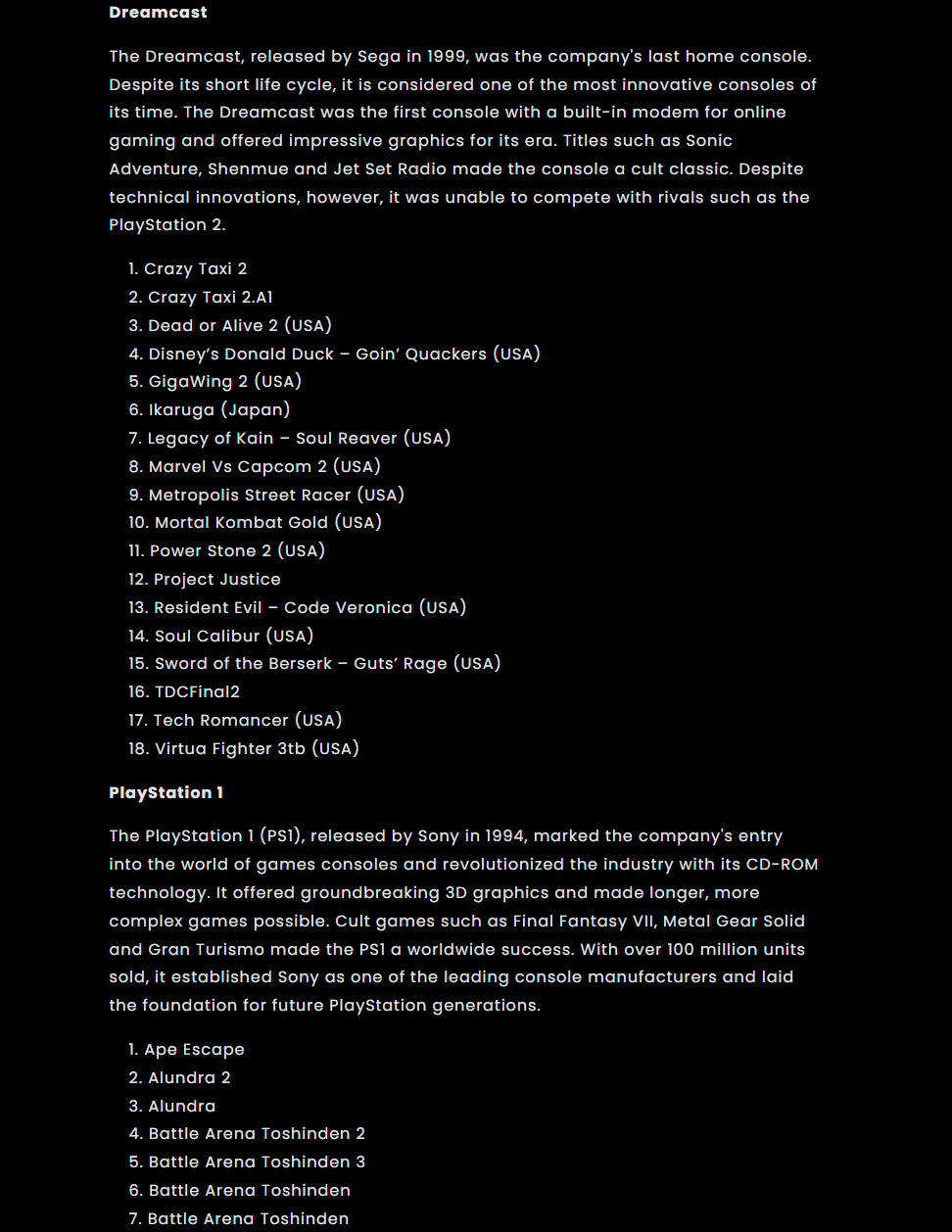
Outside of its physical build, the games themselves are a massive draw. Gamelab advertises over 15,000 games included, and they're not kidding - they're actually underselling it! Mine lists more than 21,000 games on boot, with the option to add my own ROMs if I want them. There are tons of options from a range of retro consoles, including the N64, SNES, DS (ouch, my millennial soul), Sega Genesis, and more. I've currently got a save going for Pokémon Fire Red, and my roommate is enjoying replaying Where in the World is Carmen Sandiego. The variety is insane, and so far, all the ROMs we've tried have run perfectly well with minimal, if any, lag. They're a joy to play, and so easy to pick up for a few minutes and put down again.
The Cons - Lack of Customer Support, Long Shipping Times, and Confusing Control Schemes
Now, I'm super glad that Gamelab didn't scam me, and that the consoles are as fun as they are...but that doesn't mean there weren't some glaring issues.
First of all, Gamelab's customer service is atrocious. I ordered my consoles in late November, just after Black Friday. On the website and in your confirmation email, Gamelab says that shipping should take roughly 8-14 business days. I thought, perfect! They'll get here just in time for Christmas. So I waited, and I kept an eye on my mailbox.
And I waited. And I waited.
After two weeks, I emailed the company to ask what was going on. I understand that around the holidays, shipping can be slow or get backed up; I just wanted a status update on my products. My tracking through their website hadn't updated since about two days after ordering, and the tracking number they gave me for USPS simply didn't work at all. I asked politely if there had been some kind of delay and when I should expect an update.

I heard nothing back. I finally received my consoles on December 29, still with no comment from Gamelab on why they were so late. Still, I had them in hand, which was good. What wasn't good was the way they were packaged: their boxes were loosely taped in a wad of bubble wrapping...no exterior box. I'm a little shocked that they made it to me in one piece, but they worked, so...it's fine.
Once we finally got the consoles, we then had to figure out how they worked. This was not as easy a task as you might think. The instructions that came with them were a minimal pamphlet that simply pointed out button combos with no explanations. Even going onto the Gamelab website, I haven't had very much success in figuring out how to get the multiplayer dongle to work, or how to switch between save slots so I can play multiple games simultaneously. Even saving a single game is a challenge; you have to hit Select and L1 and R1 all at the exact same time. If you miss a button or don't click them all precisely at the same time, you risk loading instead of saving, which has ruined my progress multiple times now.
My child, who isn't used to fiddly electronics, is frustrated that he can't seem to save at all, and has trouble navigating the games because he doesn't understand how to access the search function or how to use it when he does get there, and I can't blame him. There doesn't appear to be a proper guide available for the R36S that's designed for non-programmers, which makes it frustrating for long-term use.
As a final minor frustration, it seems that some consoles won't turn their volume all the way off, and will constantly play sound through the speakers, no matter the volume level you set. The only solution we've found for this is leaving headphones or an unattached aux cord plugged in, regardless of whether you're using them.
Should You Get an R36S?
So, would I recommend this console? Maybe.
I think the R36S is definitely a fun way to enjoy retro gaming if you're already familiar with third-party consoles and/or if you are willing to spend the time and effort to learn how this particularly fiddly model works. It's not a great solution for kids - it can be confusing and frustrating - but for nostalgic adults, it's a decent emulation machine with lots of memory and a customizable library. The consoles are a little more fragile, but not made of glass; as long as you've got a small case or a protective skin on it, it should be fine to carry around with you as a space filler while you're out and about.
I will say, you should probably order from a different company than I did. Though there doesn't seem to be an official source for the console, it seems to be available from a variety of sources across Amazon, AliExpress (which, oddly, seems to be the most reliable source), and independent retailers. As with any online purchase, you should follow basic safety procedures: be wary of where you put your payment information online, read reviews for the seller before you make a purchase, and compare prices to make sure you're getting a fair deal. I recommend taking suggestions from the r/R36S community for the best places to buy and other tips and tricks.
I'm looking forward to exploring everything my R36S can do, even if it's a little frustrating.