Minecraft Biome Finder Guide for Beginners
Shortcuts to the biome of your dreams

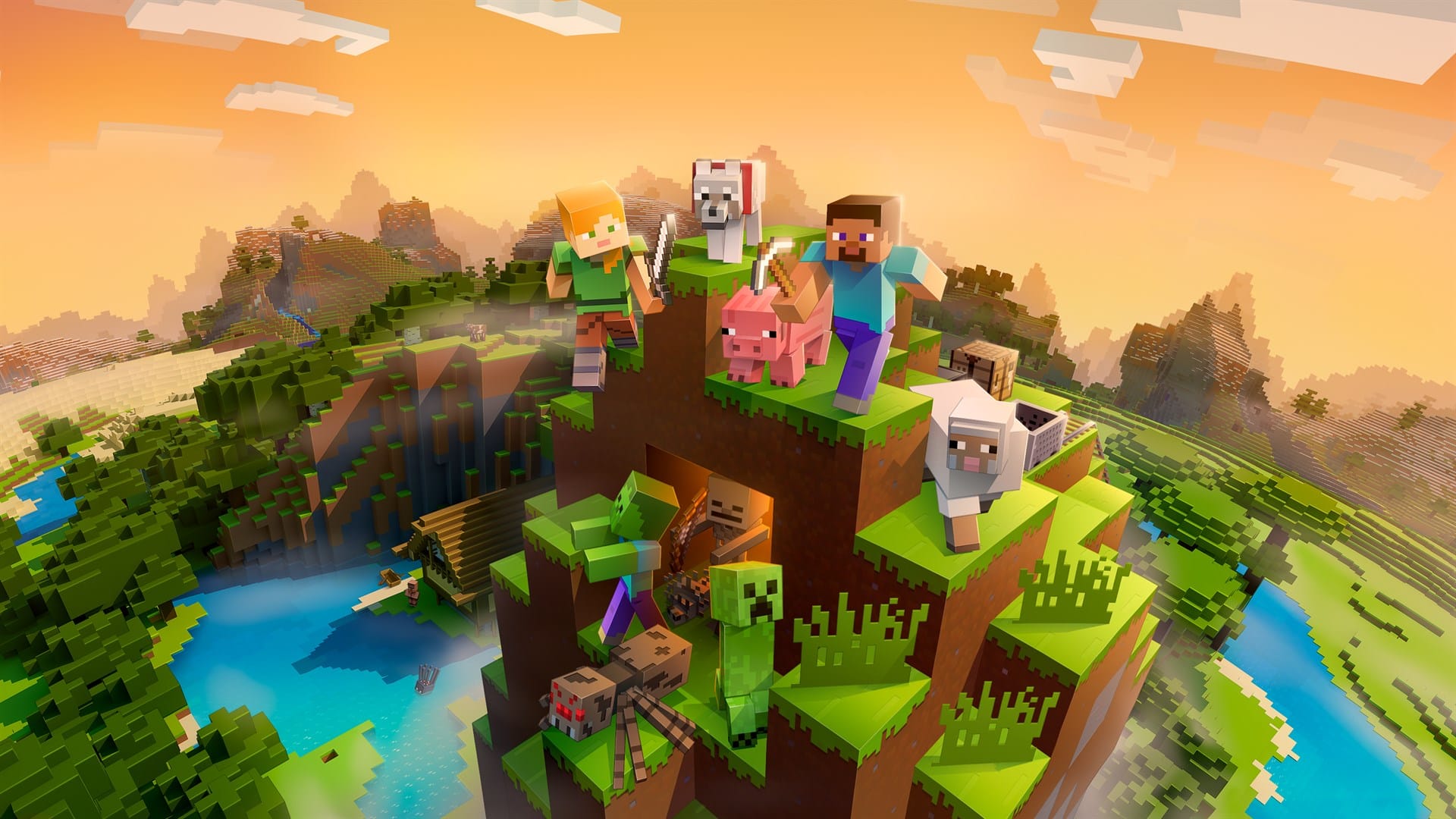
Finding the right biome can change the whole Minecraft experience. This guide explains how biome finders work and why beginners love them. It shows simple ways to explore faster and avoid frustration. With the right tool, rare biomes become much easier to find. The world feels smaller and full of options.
What a Biome Finder Is
A biome finder is a tool that is useful for locating biomes in a Minecraft world. Beginners usually feel lost when exploring. A minecraft biome finder removes that stress.
These tools save time. They reduce random walking. They help players plan builds and survival routes. New players can focus on fun instead of guessing.
Biome finders work with world seeds. A seed is the code that creates a world. When the seed is known, tools can map the biomes.
This is useful for learning. As William Penn once said, “Knowledge is the treasure of a wise man.” Understanding biomes brings confidence. It also supports smarter play on servers and single-player worlds.
Biome finders pair well with Minecraft hosting for mods. Mods often need specific biomes. Finding them fast keeps gameplay smooth and exciting.
Different Types of Biome Finders and How They Work
Several biome finder types exist. Each one fits a different need.
In-game methods come first. Commands like /locate biome work in newer versions. They require cheats enabled. This option feels natural but has limits.
Online tools are popular. A biome Minecraft finder website can scan a seed in seconds. These tools show maps with clear colors. They work for Java and Bedrock versions.
Seed-based tools focus on accuracy. They use math to recreate the world map. A bedrock biome finder is helpful for console and mobile players.
These tools shine on multiplayer worlds. They help admins plan hubs and events. They also support smooth Minecraft server hosting. Better planning leads to better servers.
As Yotam Ottolenghi said, “One man's trash is another man's treasure, and the by-product from one food can be perfect for making another.” A simple seed becomes a powerful map with the right tool.
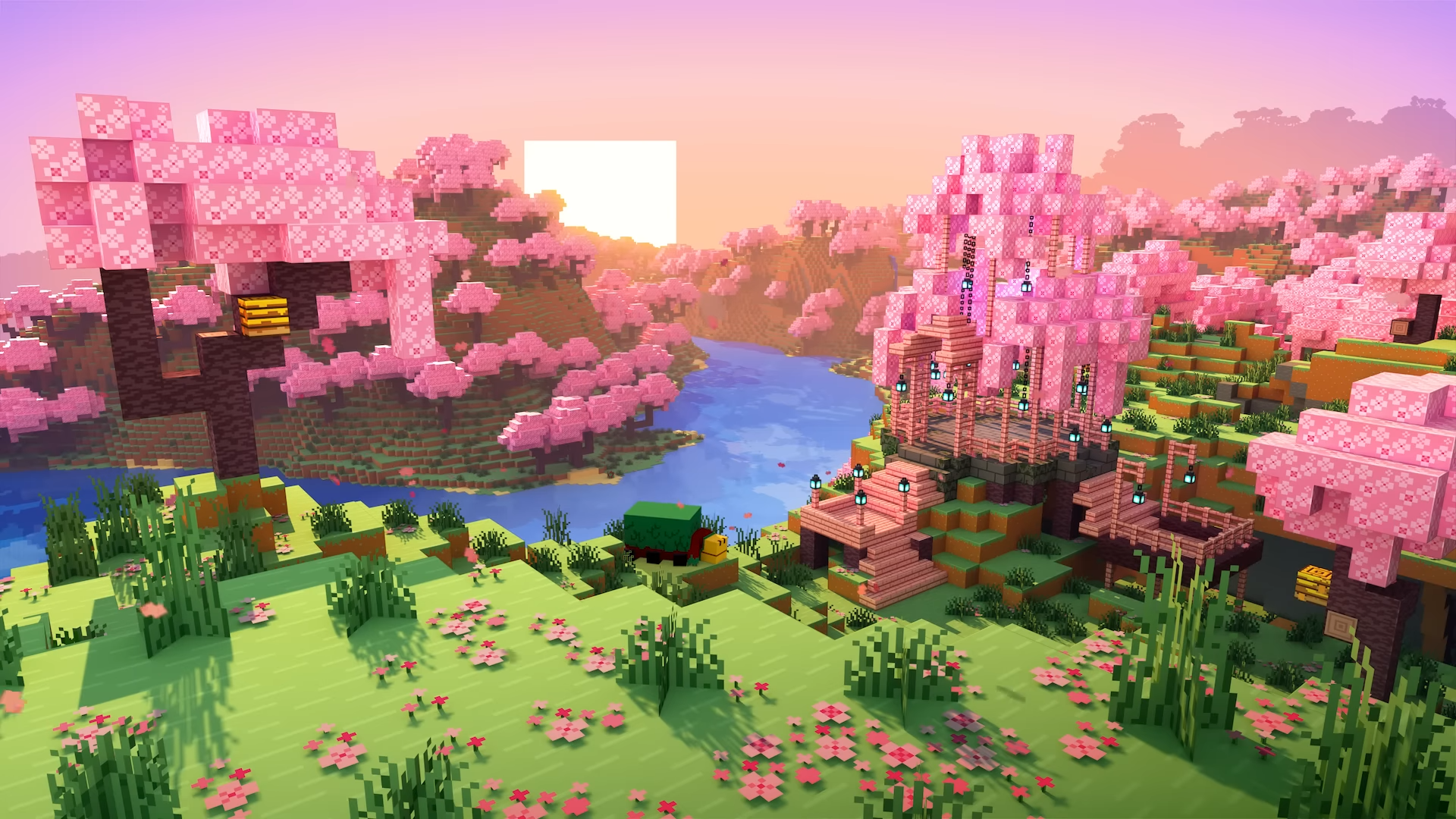
How to Find the Biome You Need?
Finding a biome is easier than it looks. Follow these clear steps.
- Find the world seed. Use /seed or check world settings.
- Choose the right tool. Pick a minecraft biome finder that matches the game version.
- Enter the seed. Select Java or Bedrock correctly.
- Search for the biome. Use the biome list or map view.
- Note the coordinates. Travel there in-game using maps or commands.
Online tools often allow zooming. Zooming helps avoid map scale confusion. Smaller scales show details. Larger scales show the big picture.
This process works for survival and creative modes. It also works on servers, if the seed is known.
Common Beginner Mistakes and How to Avoid Them
Mistakes happen. Most are easy to fix.
One common issue is using the wrong version. Java and Bedrock worlds differ. Always match the tool to the version.
Another mistake involves wrong seeds. A single missing number changes everything. Double-check before searching.
Map scale causes confusion too. Large maps can hide small biomes. Zoom in to confirm details.
Some players forget server rules. Commands may be disabled. In that case, online tools are the best choice.
These fixes save time. They also prevent disappointment during long trips.
Summary
Biome finders make Minecraft more welcoming. They turn confusion into clear choices. Beginners gain control and confidence fast. With the right Minecraft biome finder, exploration feels rewarding. Tools like a bedrock biome finder or biome minecraft finder support smarter play. Knowledge opens the map and invites adventure.